
Overview
What MSpheres does
Start with a single sphere and click its surface to grow linked child spheres. MSpheres fills every link with in-between spheres and skins the whole chain into one watertight mesh, so a creature, a character blockout or a branching prop comes together in minutes.
Spheres stretch non-uniformly, links bend with Bezier handles, and the skeleton can branch and close into loops. Skin it with OpenVDB for smooth organic forms, or procedurally for a clean, quad-dominant mesh.
- What it is
- Geometry object (Create > Geometry > Machine3D)
- 3ds Max
- 3ds Max 2025 and 2027
- Works with
- Nothing extra. OpenVDB is built in.
- License
- Subscription, one seat per workstation. Render nodes free.
Features
Features
Add Spheres
Click to grow, click an in-between sphere to promote it, Alt-click to delete.
Sculpt the skeleton
Main Spheres and Handles sub-object levels: move, rotate and scale non-uniformly.
Link shapes
Straight, Smooth, Bezier or Bezier-Corner links between spheres.
Edit freely
Clone, Delete, Break, Connect, Merge, Cut Link and Copy/Paste. Connect and Merge close loops.
Two skinning modes
Skin (VDB) for smooth organic forms, or Skin (Procedural) for a quad-dominant mesh, with Live Skin.
Fast
Skinning an 81-sphere tail went from 956 ms to 107 ms in the latest build.
Two-tone color
Color main and in-between spheres apart, then Apply as Material.
Presets
User and Studio Settings presets, and mouse-over help on every control.
In the viewport
See it working
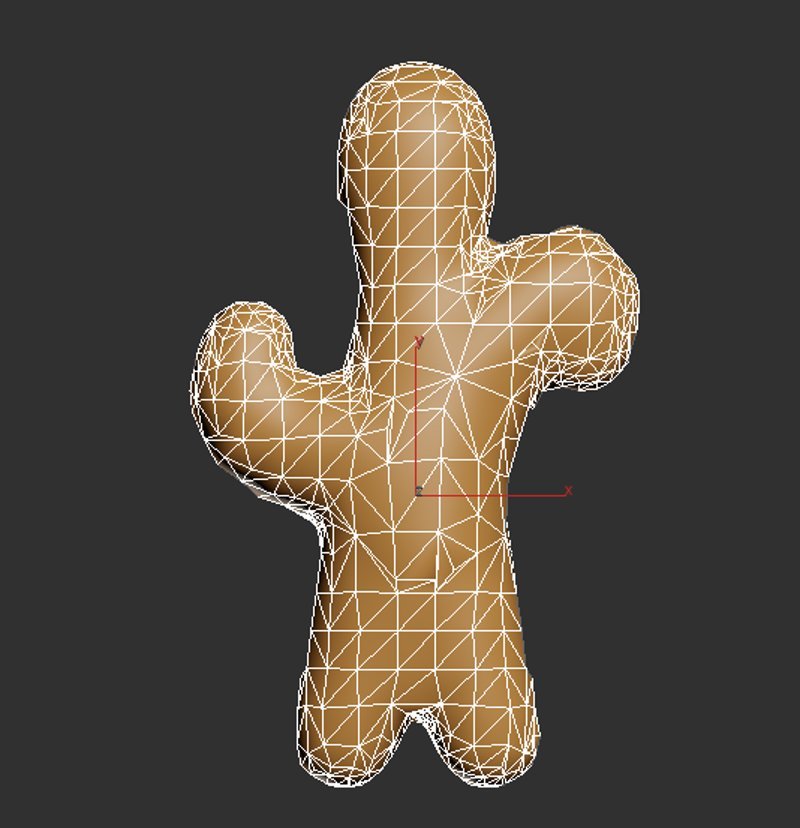
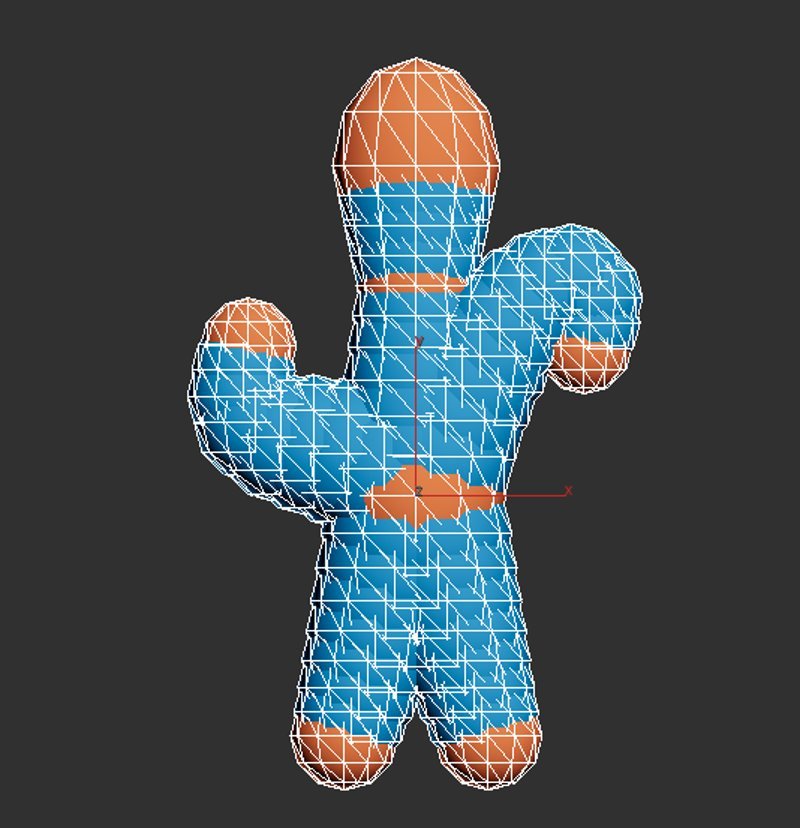
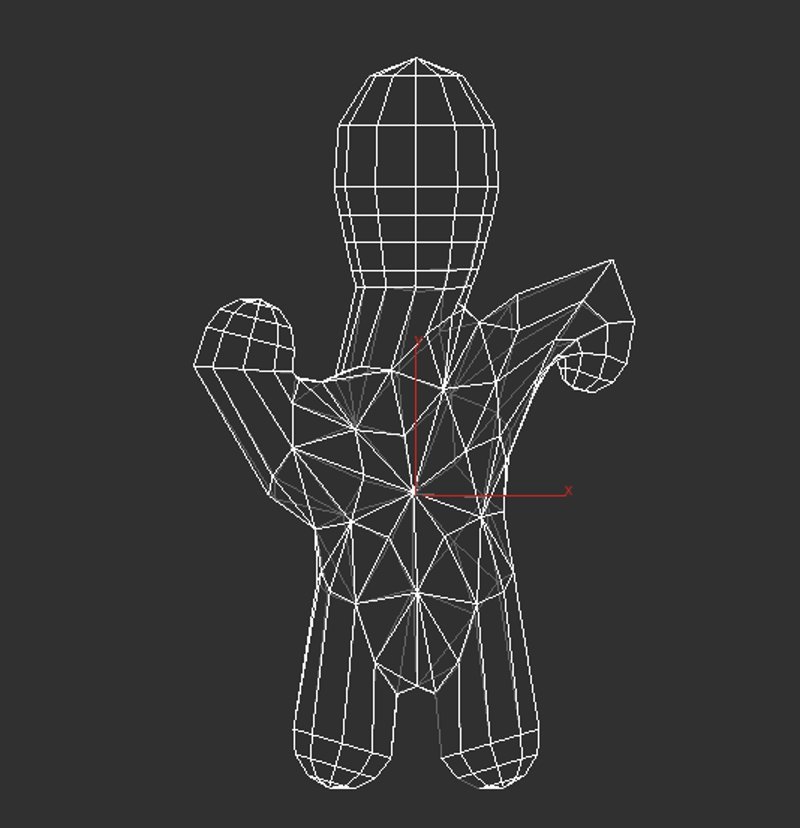
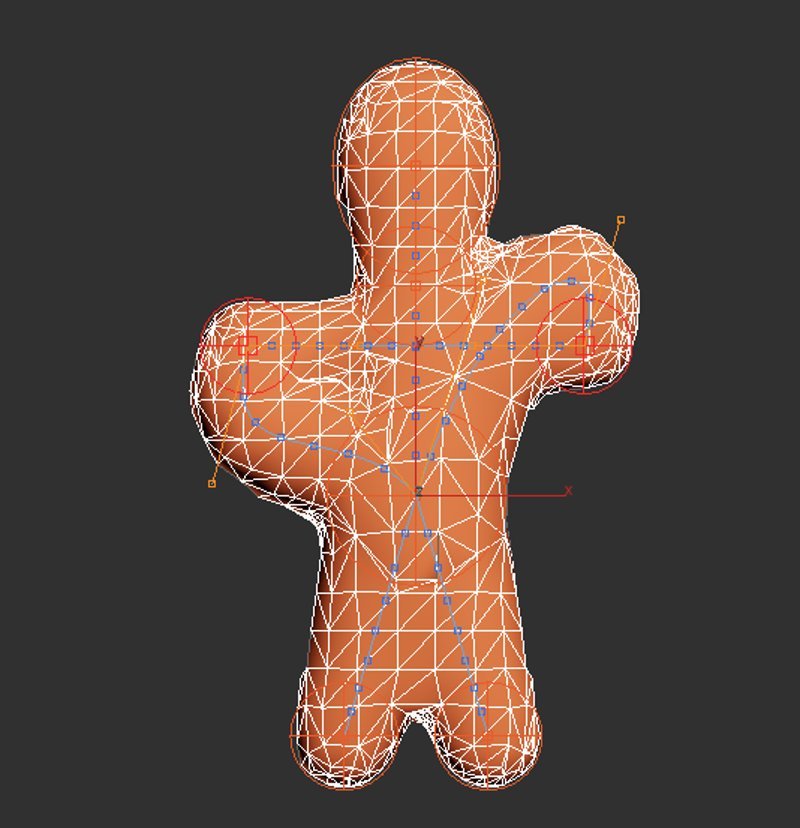
Captures straight from the 3ds Max viewport. Full renders and demo videos are coming soon.
Pricing
Get MSpheres
Checkout opens soon. Email us and we will let you know the moment it does.
Plugins and tools for 3ds Max, built and used in production.
Free tools
© 2026 Machine3D. All rights reserved. 3ds Max is a trademark of Autodesk, Inc.